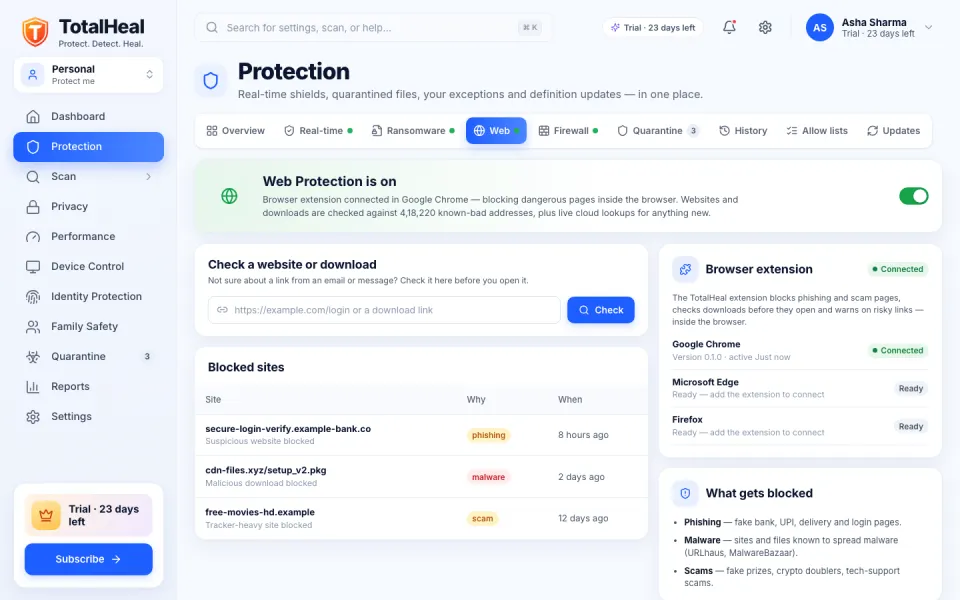
A “bank” link in a message
Blocked before it opens
Phishing and look-alike login pages are stopped in the browser — before anyone types a password, card number or OTP.
Products
All productsThe platformRoadmapFor homeSolutions
Cloud (SaaS)On-premises & hybridGovernment & air-gappedAll suitesEndpoint OperationsSecurity OperationsCompleteMSSPs & partnersIndustries
Government & public sectorPSUsBanking & financial servicesSmart citiesDefence & law enforcementHealthcareManufacturingEducationEnergy & utilitiesTransport & airportsResources
All resourcesBlogNewsLeaders’ insightsThreat reportsTechnical papersVideosManualsDatasheetsAnnouncementsMedia & press kitWhat’s newHelp centreDownloadsAdmin Console appDatasheets & procurementTrust centreConsole sign-inAntivirus, scam and web protection, privacy and a family dashboard for every computer at home — one plan, one bill, calm and clear.
Digital risks aren’t always visible — the people we love don’t always know what to look out for. TotalHeal does, on every computer at home.


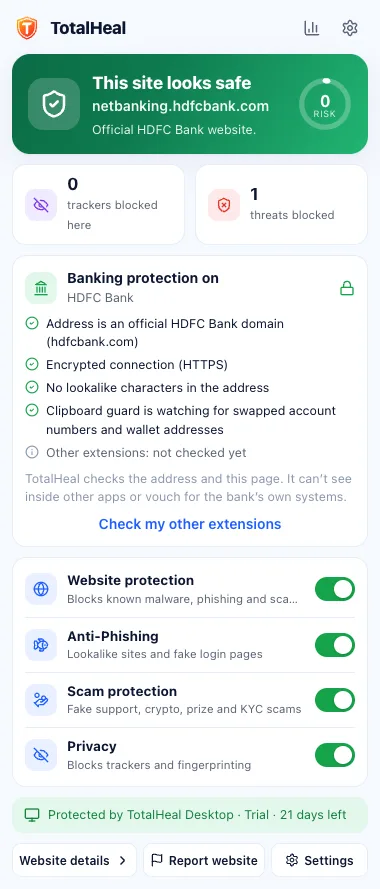
A “bank” link in a message
Phishing and look-alike login pages are stopped in the browser — before anyone types a password, card number or OTP.
A “voucher” download
Malicious files are blocked as they download and checked again on the device, with encrypted quarantine.
A caller asks to “install AnyDesk”
TotalHeal warns when a remote-access tool starts during what looks like a support-scam call.
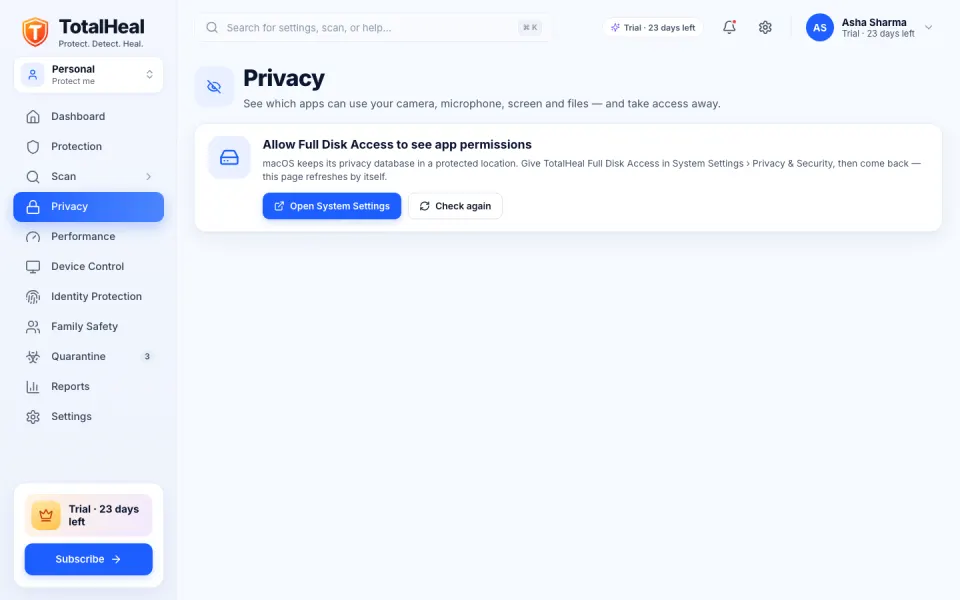
An app wants the camera
See which apps can use the camera, microphone, screen and files, with webcam and microphone alerts on macOS.
A child searches the web
The extension keeps Safe Search on in the major search engines on a child’s browser; Family-mode DNS also blocks adult sites.
New Wi-Fi, old router
Wi-Fi, router and connected-device checks point out weak spots on the home network.
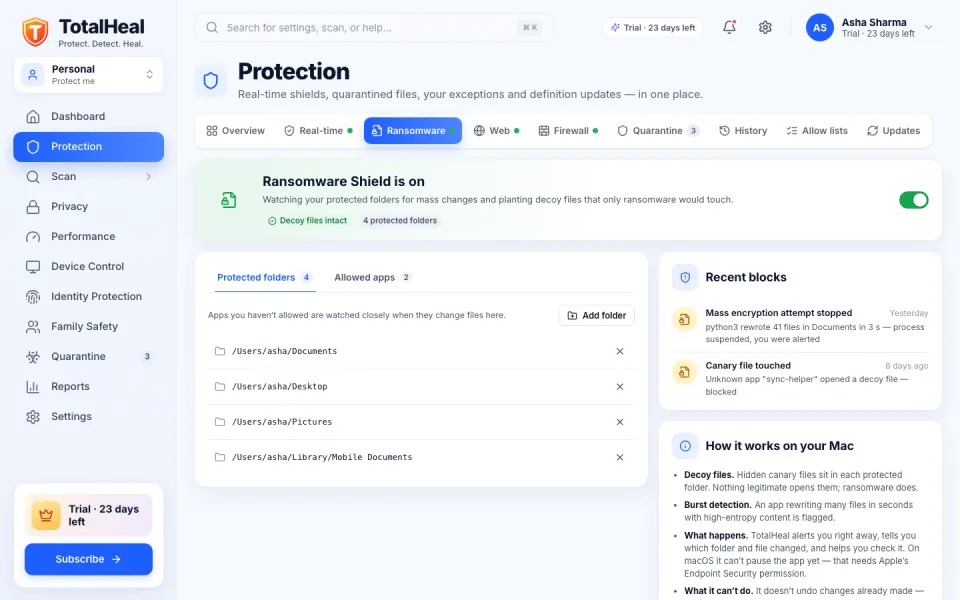
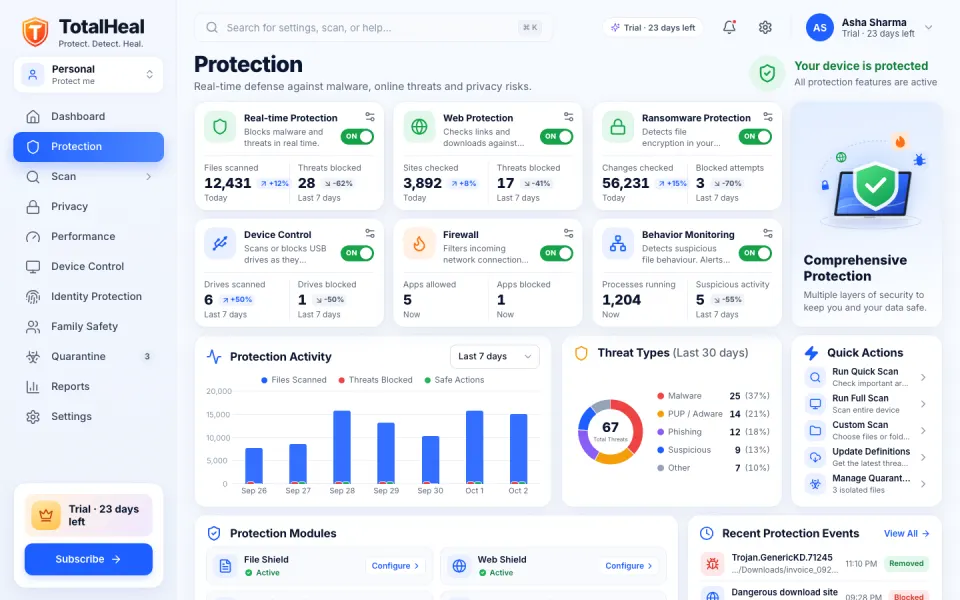
Pick a moment to see the real screen. The tour moves on by itself — hover to pause.
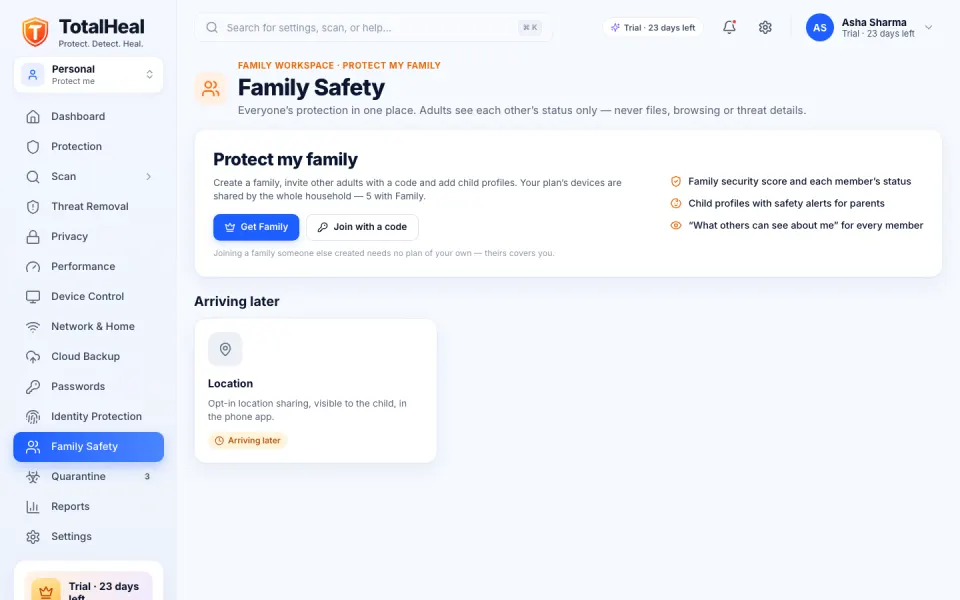
Real screens from the TotalHeal app (30-day trial) and browser extension, with sample names and numbers.
The TotalHeal extension for Chrome, Edge and Brave checks each site as it opens and says plainly what it found.
About the extension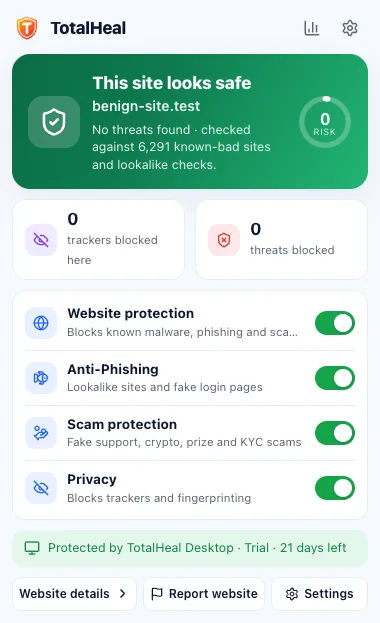
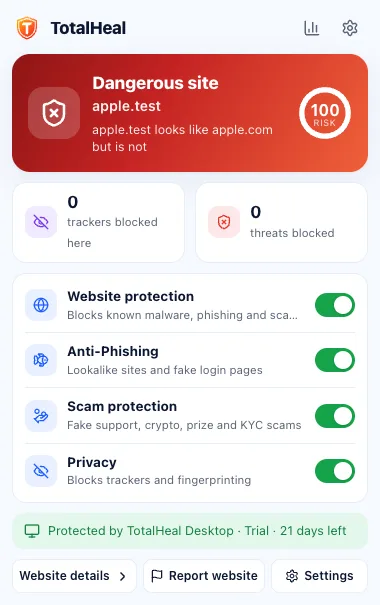
Download TotalHeal on every Windows, Mac and Linux computer at home. Each new device starts a 30-day trial — no card.
In the app, open Family Safety and create a family. Your plan’s devices are shared by the whole household.
Invite other adults with a code or QR. Add child profiles — children need no login of their own.
The family dashboard shows everyone’s protection; child-safety alerts reach parents, without files or browsing.
Only the site name or file fingerprint being checked is sent — never full addresses or what anyone browsed.
Adults see only each other’s protection status, and everyone can see exactly what others see about them.
Child-safety alerts reach the parent without paths, file names or hashes.
No fake alarms or countdowns. Same price at renewal. Data stored in India.
Every computer at home counts as one device — laptops, desktops and the family PC.
One plan for the whole household.
Coming to Family at the same price:
Every TotalHeal layer, as it ships.
Coming to Ultimate at the same price:
Prices in INR per year. 18% GST is added at checkout. Renewal is the same price — no introductory discount that jumps later. Just you? Personal is ₹699 a year for 3 devices · Compare every plan
6 features you can use today — on top of Personal. Where a feature works only on some systems, it says so.
Try everything on every computer at home for 30 days. No card. Then ₹1,299 a year for 5 devices.
For you
For organisations